Start hereReviewed 27 October 2026
A tour of the real interface
Use these actual interface captures alongside the step-by-step guides. They show controls, not a completed customer transaction. Private records are outside the approved capture regions.
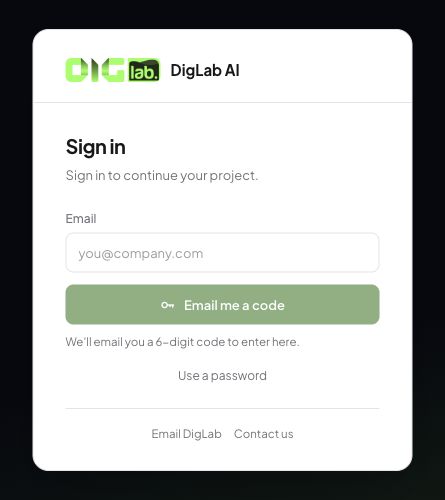
Client sign-in
Open the verified client portal and use your invited email. Choose an email code or the password option shown. See your first visit.
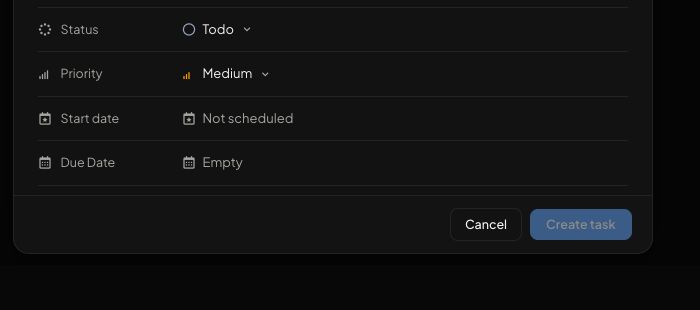
Task fields
Choose a meaningful status, priority and dates in the task editor. Check the account and assignee separately before saving. See tasks and checklists.