Manage tasks, subtasks and checklists
A useful task states the required outcome, the person responsible and the next decision. Use subtasks to turn a broad deliverable into a practical checklist.
Create the task
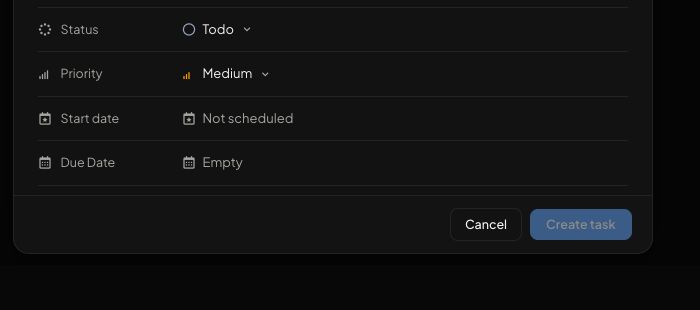
Open Tasks and choose New task. Add a concise title and instructions. Choose the intended client/company or leave the task workspace-only when it is internal. Select the correct agency or client assignee, then set a priority and start/due dates when needed.
Organize the work
The base statuses are Todo, In progress, In review and Done. Workspaces can provide custom status and priority options mapped to those base states. Attach the relevant milestone, dependency, files or onboarding flow using the options available in the editor. A task assigned to a client contact can expose flow assignment controls.
Use a checklist
Open the task's Sub-tasks section and split the work into verifiable items. Assign clear responsibility and avoid putting several independent approvals into a single vague item. Keep supporting discussion in Comments and the actual deliverable in Files.
Verify changes
Reopen the task after saving. Confirm the account, owner, due date, status and attachments. List and Board views are different presentations of the same work. If a save conflicts with another person's edit, read the latest task and reconcile the change instead of overwriting it blindly.